Sound in form
You know how your music should feel. We build audio plugins out of our own studio work, so you can bring your sound in line with that idea.
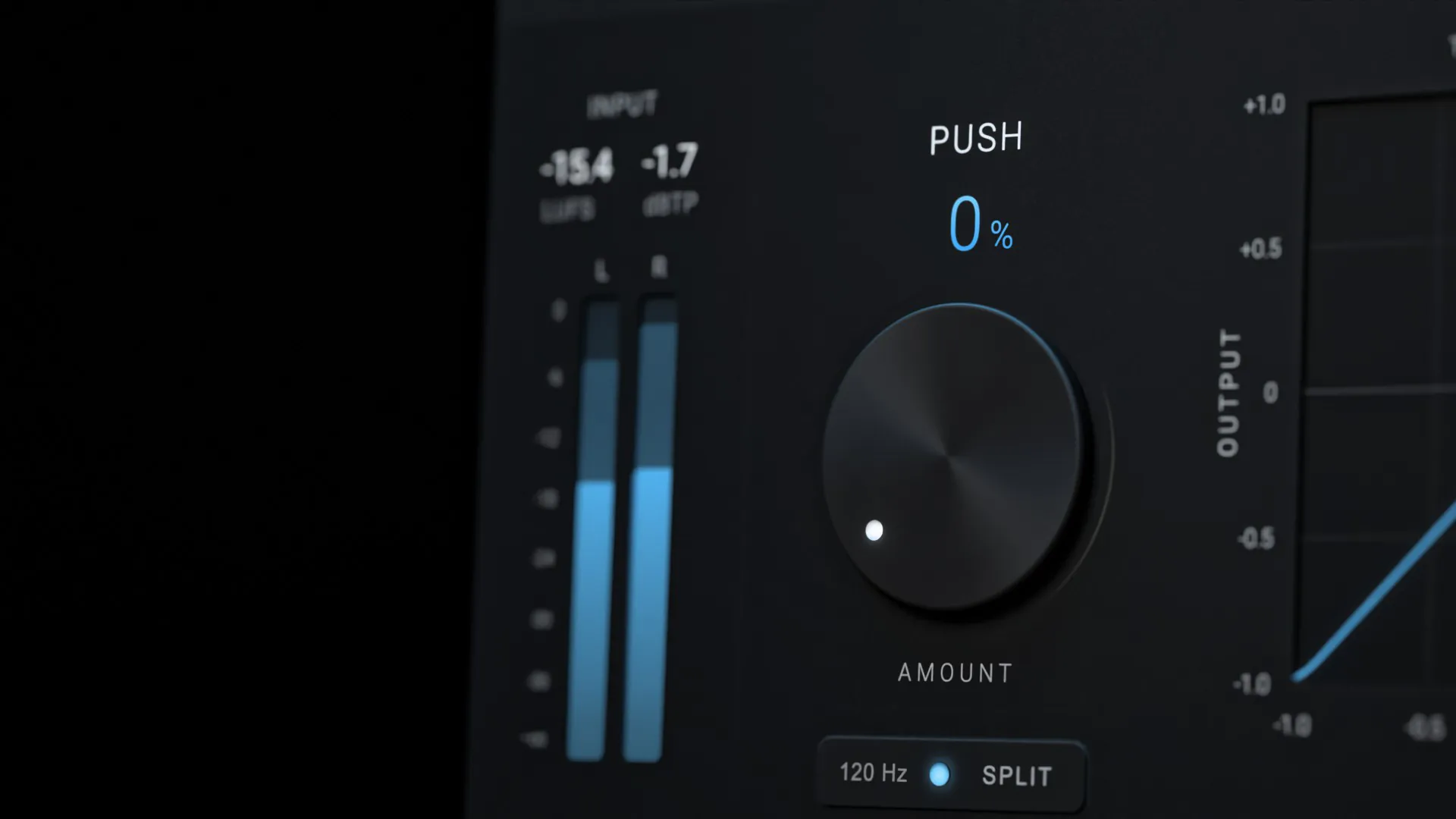
Loudness isn’t just gain.
More drive, more density, more energy you can feel. PUSH shapes signal peaks and raises loudness. CLEAN, COLOR and EDGE give the density a character of its own.

For what we want to achieve in the studio
FORM grows out of working on music. Out of moments when we want to reach a particular sound and wish for the right tool.
With PUSH it was the wish for more loudness and density. It became a plugin with three sound characters and controls that take up that wish directly.


When a sound carries the idea
ProducersWhen you produce, a single sound can set the direction of a whole track. We build tools that let you work out sounds like that and strengthen their character.
When tracks become music
Mixing engineersIn the mix, what counts is how the elements react to each other. Our tools help you shape tone and dynamics in context and hear your decisions within the arrangement.
When every change touches the whole
Mastering engineersIn mastering, every move affects the entire mix. For that we build tools with clear controls and meters that make tonal decisions easy to follow.
From the studio and from the code
How we work with sound, what is behind our plugins and which questions keep us busy while we build them. Here we share experience from sessions and insights into how our tools come about.

Same peak, different loudness
Two mixes reach the same peak level, and one sounds clearly louder. The difference isn't gain, it's the distance between peak and average: the crest factor.
Read article
Loudness vs. gain: why louder isn't just more level
Raising gain makes a mix louder by making everything bigger, peaks included. Shaping the peaks first lets you reach the same loudness with far less peak level. We measured both on the same full mix: same loudness, 3.3 dB apart at the peak.
Read articleCommon questions answered
Yes. You can try PUSH free for 14 days with every feature. You need a FORM DSP account for it. You start the trial from the licence window the first time you open the plugin.
When the trial ends, your settings stay in the project. PUSH only outputs audio again once you activate a valid licence.
PUSH is available for these systems and plugin formats:
- Mac with Intel processor
- macOS 10.15 or later, as VST3, AU, and AAX Native.
- Mac with Apple silicon
- macOS 11 or later, as VST3, AU, and AAX Native.
- Windows
- Windows 10 or later, 64-bit, as VST3.
For Pro Tools on macOS, AAX Native is available without an iLok. Pro Tools on Windows and HDX DSP are not supported.
A personal licence allows two computers activated at the same time, for example your studio and your laptop.
When you switch computers, you can release an online activation in the licence window with “Deauthorize” and then use it on the new computer. File-based offline activations stay tied to their computer.
For the regular activation you sign in with your FORM DSP account in the browser. After that you can use PUSH offline for up to 30 days. While connected, the licence is checked once a day.
For studio computers that stay offline for good, activation by file is possible. You'll find the steps in the manual.
More on use and setup
The PUSH manual covers the features, working with PUSH in the studio and the technical details.

With our newsletter save €20 on PUSH
Sign up for the PUSH newsletter and receive your personal voucher code. That gets you PUSH for €59 instead of €79.
What would you like to know?
Whether it is about PUSH, your account or a question for FORM: write to us at support@formdsp.com. We usually reply within two working days.